
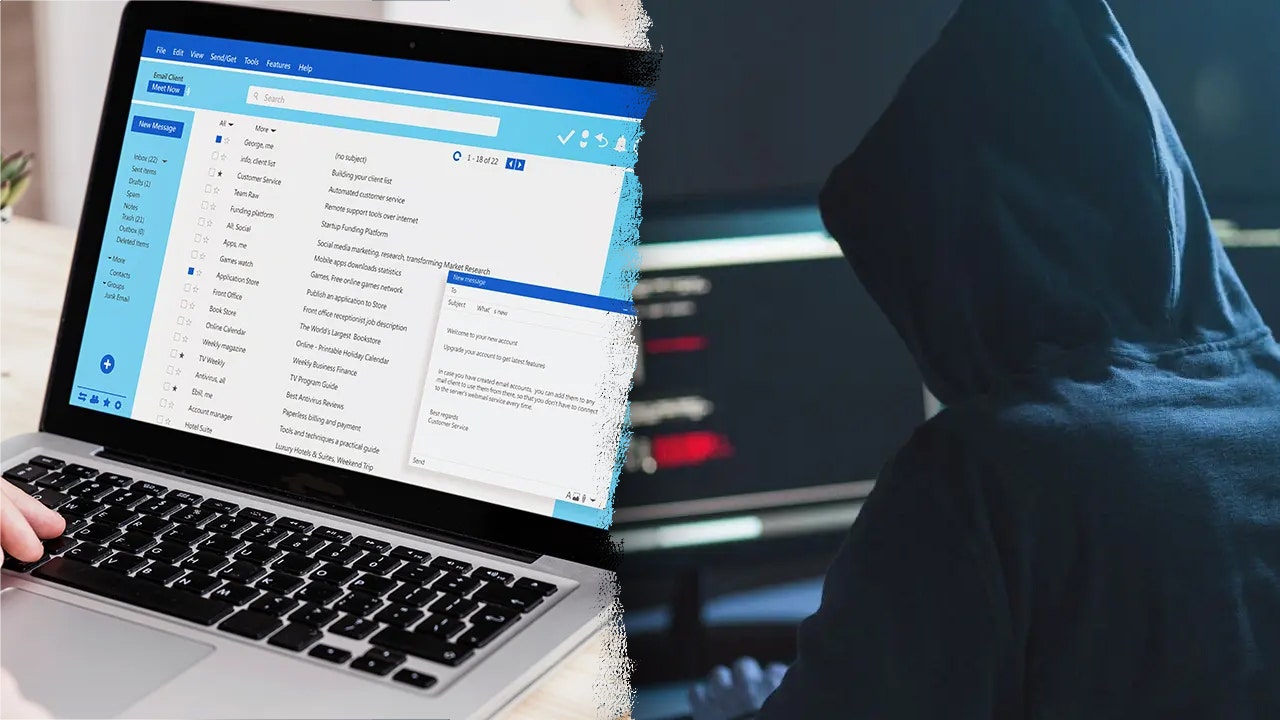
In today’s digital age, our email accounts have become the central hub for much of our personal and financial information. Jack Stubbs, OpenAI’s Lead Scams Investigator, recently highlighted the alarming ease with which cybercriminals can exploit email vulnerabilities to commit widespread fraud. The story begins with a personal account: a woman named Lisa experienced a rapid series of account breaches—her PayPal emptied, her Amazon account compromised, and an attempt made on her bank—all within just 40 minutes. The frightening truth? The criminals never needed her passwords. They only needed access to her email inbox.
This scenario is not unique. Your email inbox typically contains more sensitive information than you might realize. It stores bank statements, medical results, retirement account details, mortgage information, and records from every online store or streaming service you use. Most importantly, it receives password reset links for virtually every account you hold. This makes email the ultimate gateway for hackers. If they gain access to your inbox, they can reset passwords, take over accounts, and infiltrate your digital life with minimal resistance.
The problem is not that the system is flawed, but rather that email was designed this way: to serve as a central hub for account recovery. Unfortunately, many people protect their email accounts with weak or reused passwords—sometimes the same ones they’ve had for years. These vulnerabilities make it alarmingly easy for criminals to break in and wreak havoc.
The typical attack method is straightforward but devastating. A criminal goes to an online service—be it a bank, Amazon, PayPal, or a brokerage site—and selects “forgot password.” They enter the victim’s email address, triggering a password reset email. Since the attacker already has control over the victim’s inbox, they receive the reset link, change the password, and gain access. This process takes about a minute per account, making it faster than ordering a pizza. Once inside one account, it becomes a domino effect, allowing access to multiple services in quick succession.
According to the FBI, this type of fraud, known as account takeover fraud, cost Americans $2.7 billion last year. What’s more troubling is that 81% of victims believed they were already careful about their online security. This misconception highlights how even cautious users can fall prey to these sophisticated tactics.
So, what can you do to defend yourself? The first and most crucial step is to secure your email account with a strong, unique password. If your email password is less than 16 characters or reused on other sites, it’s time to change it immediately. Password managers like NordPass, which cost just a few dollars a month, can generate complex, random passwords that are virtually impossible to guess. You only need to remember one master password, and the app does the rest, storing and autofilling your credentials securely.
Beyond strong passwords, enabling two-factor authentication (2FA) is essential. This security layer requires not only your password but also a second form of verification, usually a code sent to your phone. However, be cautious about relying solely on SMS text messages for 2FA. Hackers have developed a technique called SIM swapping, where they impersonate you to your mobile carrier and transfer your phone number to their device, intercepting your text codes. Instead, use authenticator apps like Google Authenticator, which generate verification codes directly on your smartphone, independent of your mobile carrier. Switching from SMS to an authenticator app is a simple change that can significantly boost your account security and can be done within minutes in your email account’s security settings.
Another often-overlooked risk comes from third-party applications that have access to your email account data. Every time you use “Sign in with Google” or similar services, you may be granting apps access to your emails, contacts, or other sensitive information. Some apps can even send emails on your behalf. Over time, many people accumulate dozens of such permissions—often for apps they no longer use or even remember installing.
Conducting a regular audit of these app permissions is a critical security practice. For Google accounts, you can visit myaccount.google.com, navigate to Security, then "Third-party apps with account access," and revoke access for any unfamiliar or unused apps. This simple step removes potential backdoors that scammers could exploit.
Despite banks and credit card companies offering fraud protection and zero-liability policies, your email account does not have such safety nets. If it’s compromised, the consequences can be severe and immediate, leaving you to