
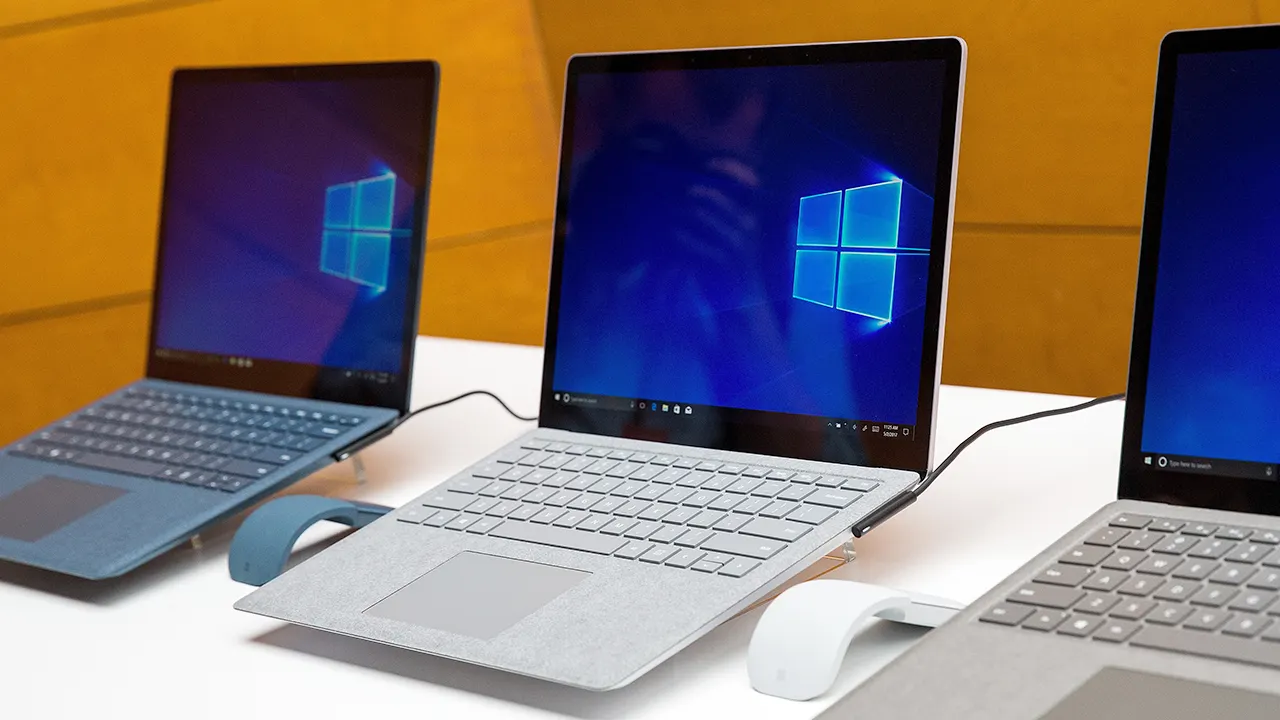
A recent report from the Wall Street Journal has raised an important caution for email users: be wary of clicking the “unsubscribe” link in promotional emails. While it might seem like a straightforward way to stop unwanted messages, these links can sometimes pose security risks, potentially exposing users to phishing scams or malware. This warning ties into a broader conversation about cybersecurity and the risks associated with outdated technology, particularly computers running unsupported operating systems like Windows 10.
Microsoft has issued a serious alert regarding the use of unsupported systems, emphasizing that outdated software isn’t just old — it’s vulnerable and unprotected. Specifically, Microsoft’s Digital Defense Report reveals a troubling statistic: over 90% of ransomware attacks target PCs running unsupported versions of Windows, with Windows 10 being a prime example. This means that those who continue to use Windows 10 after its official end of support are at significant risk of cyberattacks.
When an operating system no longer receives updates, it essentially becomes an open invitation to hackers. Security patches—critical fixes that address vulnerabilities—stop coming, leaving gaps that cybercriminals can exploit. Even if your computer appears to be working fine, it could already be compromised without any obvious signs. This invisible threat is particularly alarming because ransomware and malware can silently encrypt your files or steal sensitive information such as login credentials and banking details.
The dangers of running unsupported systems extend beyond just data loss. Identity theft and financial fraud are often rooted in outdated software that cybercriminals exploit. Many users fall into the trap of “just one more year” thinking, delaying upgrades with the hope that they will get around to it later. However, every month of delay compounds the risk. Extended security updates provided by Microsoft are limited and cannot protect against new, emerging threats. Without continuous monitoring and timely patches, vulnerabilities remain exposed, allowing attackers to operate undetected for long periods.
Upgrading to Windows 11 is Microsoft’s recommended solution. Windows 11 offers ongoing security updates that protect users from the latest cyber threats while also improving system performance. Though some might hesitate due to perceived costs, the financial and emotional toll of losing important personal files, business data, or suffering identity theft far outweighs the price of an upgrade.
Cybercriminals are well aware of user procrastination and actively seek out unsupported devices within home or office networks. Even a single outdated computer can serve as a weak link, compromising the security of an entire network. Fortunately, there are practical steps users can take immediately to reduce their risk while preparing for a Windows 11 upgrade.
First, users should verify whether their current PC hardware supports Windows 11. Most modern processors from AMD and Intel already meet the requirements, making the upgrade both feasible and beneficial. By upgrading, users receive continual updates that address security gaps and enhance overall system stability.
Secondly, vigilance with email and online links is essential. Cybercriminals frequently send phishing emails disguised as legitimate Microsoft update notifications. These messages often contain malicious links or attachments that can infect your system with malware in seconds. Always hover over links to check their legitimacy before clicking and download updates only from Microsoft’s official website. Additionally, installing reputable antivirus software can provide an essential layer of defense by detecting and blocking threats before they compromise your system.
Strong antivirus protection is critical across all your devices—Windows, Mac, Android, and iOS—to defend against malware, phishing attempts, and ransomware. Reliable antivirus programs can alert you to suspicious activity, helping to safeguard your personal data and digital assets.
Another valuable cybersecurity measure is to use personal data removal services. These services work to eliminate your personal information—such as your name, address, and phone number—from people-search and data broker websites. Cybercriminals often use such publicly available data to craft convincing phishing or social engineering attacks. While no service can guarantee complete eradication of your information online, data removal services provide ongoing monitoring and systematic removal efforts that significantly reduce your exposure.
Strong login credentials are also vital. Enabling two-factor authentication (2FA) on sensitive accounts like email and banking adds an extra security layer by requiring a second form of verification during login. Users should create strong, unique passwords for each account and avoid reusing passwords across multiple services. Password managers can simplify this process by securely storing and generating complex passwords, minimizing the risk of password-related breaches.
It’s also prudent to check whether your email addresses have been involved in past data breaches. Some password managers offer built-in breach scanners that notify you if your credentials have appeared in known leaks. If any matches