
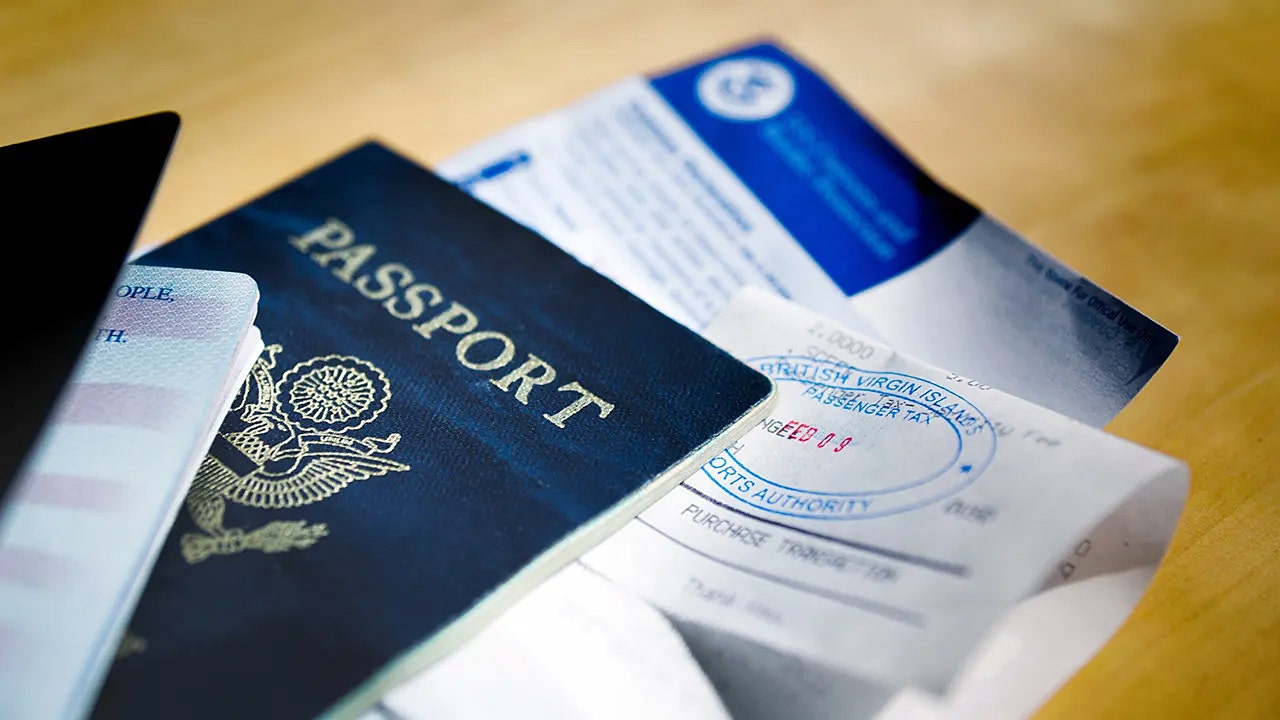
Google Chrome has introduced a significant enhancement to its autofill feature, aiming to streamline the way users enter sensitive personal information online. Now, in addition to the traditional autofill options like passwords, addresses, and payment details, Chrome can automatically fill in official documents such as passports, driver’s licenses, and vehicle registration information. This upgrade is currently available to desktop users who have enabled the enhanced autofill option and is gradually rolling out worldwide, with support for more document types and mobile platforms planned in the near future.
The new autofill capability is designed to save users considerable time when filling out complex forms that require detailed identification data. Chrome’s advanced algorithms can interpret a variety of form layouts and formats across different websites, improving accuracy with every use. This means that whether you are renewing a driver’s license online, booking travel, or filling out government forms, Chrome can now assist by quickly and securely entering your official details with just a click.
Google emphasizes that privacy and security are central to this update. According to the company, sensitive data such as passport numbers and driver’s license details are only stored after explicit user permission. Furthermore, all stored information is encrypted, rendering it unreadable to anyone without proper authorization. Before Chrome autofills any personal information into a webpage, it prompts the user for confirmation, ensuring that individuals maintain control over their data at all times.
Despite these security measures, experts caution users to remain vigilant. Cybercriminals have long exploited autofill features through malware such as infostealers, which can capture data entered on websites either manually or via autofill. Although Google and other browser developers have made significant strides in securing autofill systems, risks remain—especially since passport numbers and other official documents are highly valuable to hackers engaged in identity theft and fraud. Users are advised to be cautious about where and when they share such sensitive details online and to ensure they have robust antivirus software installed on all devices to protect against malware and other cyber threats.
This enhancement to Chrome’s autofill is part of a broader push toward integrating artificial intelligence (AI) into the browser to improve user experience and security. Earlier updates introduced Gemini AI integration for desktop users in the United States, which powers new “agentic” features capable of automating everyday tasks. Future updates promise additional AI-driven improvements, including smarter scam detection, password reset suggestions, and enhanced form assistance — all aimed at making browsing safer and more efficient.
While the enhanced autofill feature is currently most accessible on desktop platforms, Google is progressively expanding support to mobile devices, including Android and iOS. However, users of these platforms may not see the new autofill options immediately, as the global rollout continues in phases. It is recommended to keep the Chrome app updated and periodically check for new features as they become available.
Security specialists recommend several best practices to maximize protection when using autofill features. One critical step is installing trusted antivirus software on all devices to block malware that could intercept autofill data before it is encrypted. Regularly reviewing and managing browser extensions is also important; malicious add-ons are a common vector for stealing autofill information. Users can access their extensions by typing chrome://extensions into the browser’s address bar and remove any unfamiliar or suspicious entries.
Another layer of protection involves pairing your Google account with two-factor authentication (2FA). This security measure requires a secondary verification code in addition to your password, making it significantly harder for hackers to access your autofill data even if they compromise your browser. Additionally, dedicated password managers are recommended as they store and encrypt login credentials locally, reducing the risk associated with browser-based password storage.
Users are also encouraged to monitor whether their email addresses or passwords have appeared in known data breaches. Many password managers include breach scanners that alert users if their credentials have been exposed, prompting immediate action to change passwords and secure accounts. This proactive approach helps mitigate the risk of hackers exploiting breached information to gain further access to personal data.
Given that personal information can still appear on data broker websites—even with encryption and browser safeguards—using data removal services is another advisable step. These services submit requests to various companies to delete personal details such as addresses, phone numbers, and official ID records, reducing the chances of such information being sold or used in phishing attempts and identity theft. Regularly clearing your digital footprint adds an important layer of defense against potential cyberattacks.
For users concerned about privacy and data security, it is also worth considering the type of email provider linked to your Google account. Choosing private, encrypted email services can